App verification & purchases
Verify the source, then manage purchases and restores
Shadowrocket is a closed-source commercial app. Shadowrocket Support is the official website and manual for Shadowrocket: verify the app on its App Store product page for iPhone / iPad, and get installers for other platforms from this site's download page. Check verifiable identifiers when confirming a source rather than relying on a name in search results.
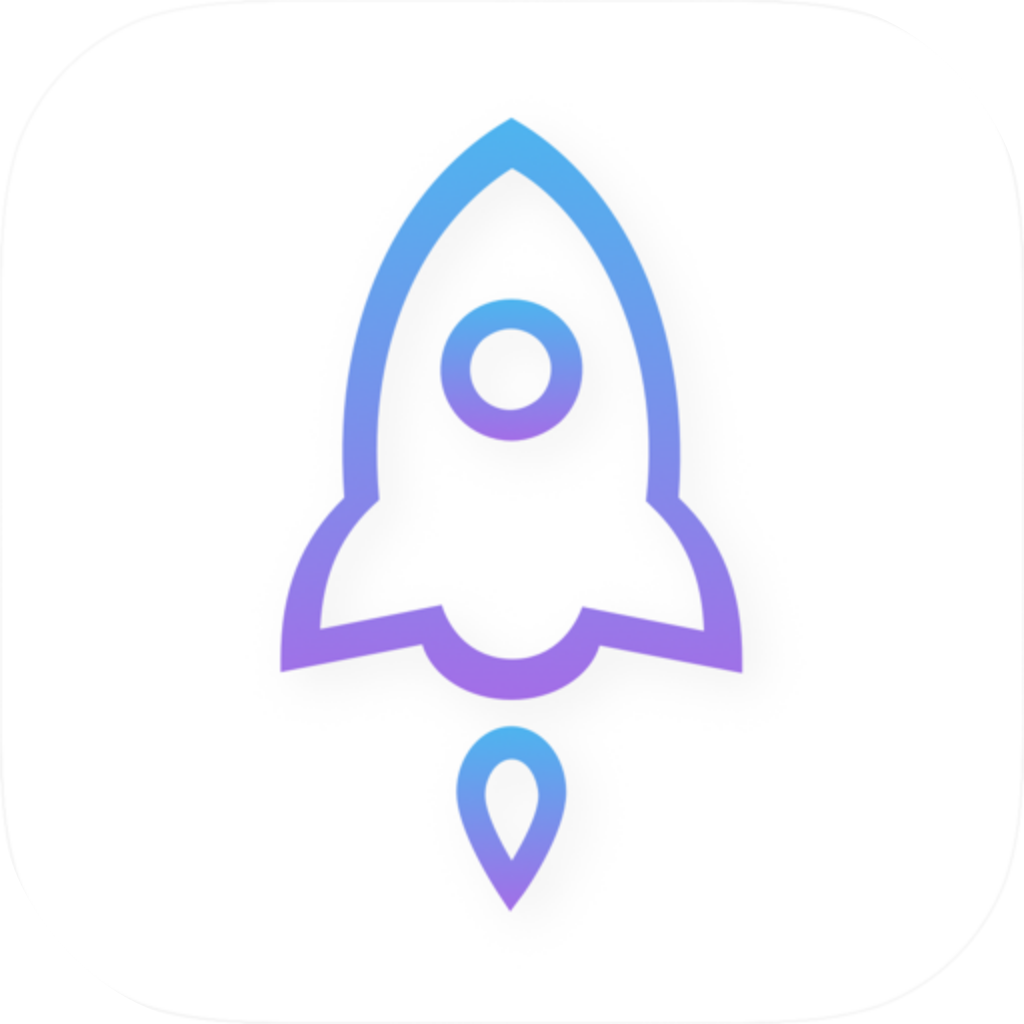
Check three details on the App Store listing
Open the product page and confirm that the name is Shadowrocket. Then check that the developer is Shadow Launch Technology Limited and compare the official icon shown on this page. Finally, check that the app ID in the product page URL is 932747118. A similar name is no substitute for checking the developer and app ID, and search result ranking is not a verification method.
iPhone / iPad: $2.99 one-time purchase on the App Store. Mac, Windows, Android, and Linux versions are free; the store displays the local currency for its storefront. If an app with the same name has a different icon, developer, or ID, return to the specified product page and check again instead of following that listing's setup instructions. For desktop and Android, go to the relevant platform on this site's download page rather than choosing a package from a search result with a similar name.
Read how to verify the official app →
If the app does not appear, check your storefront region
App Store availability depends on the storefront region of your Apple Account; the app is not available in the mainland China storefront. Device language, device location, and storefront region are separate settings. Changing the interface language does not change the storefront. Check the account region under “Media & Purchases” before determining whether the product is available in your current storefront.
If you need to change your region, use the official process in Apple Account settings and first check requirements such as account balance, active subscriptions, and payment methods. Another person's ability to find the app does not mean your device has a problem. Check the App Store page for system requirements. If the product page opens but the app will not download, check the system version, available storage, and account alerts.
See how to check the storefront region →
One-time purchase and restoring an app
The iPhone / iPad one-time purchase is tied to the Apple Account used to buy the app, and can be used on eligible iPhone and iPad devices. After changing devices or reinstalling, make sure “Media & Purchases” uses the original purchasing account, then find Shadowrocket in the App Store's purchased apps and download it again. The US App Store price for iPhone / iPad is $2.99 one-time; Mac, Windows, Android, and Linux versions are free.
If the app is missing from your purchased list, check the purchasing account, hidden purchases, and storefront region. Redownloading the app and restoring your existing server configuration are separate tasks: after installation, check that your subscriptions, Config, and synced content are present. Check the product page and family account settings for the availability and status of Family Sharing; signing in to another account does not count as your own purchase record.
Read how to restore a purchased app →
Manage the client and connection service separately
Buying the client does not include a connection service. iPhone / iPad: $2.99 one-time purchase on the App Store. Mac, Windows, Android, and Linux versions are free. These prices refer to getting the client and do not include a server or subscription. This site does not provide, sell, or recommend nodes or subscriptions; get subscription links from your service provider.
If the client opens but a subscription has expired, server details are incomplete, or the server rejects the connection, check the status of your existing service separately. A purchase record does not replace server parameters, and updating the app does not extend a subscription. Keeping these matters separate avoids repeatedly changing network settings when resolving a purchase restore issue, or repeatedly searching store orders when troubleshooting a server.
See the two ways to get it and pricing →